MongoDB RBAC in MongoQUI
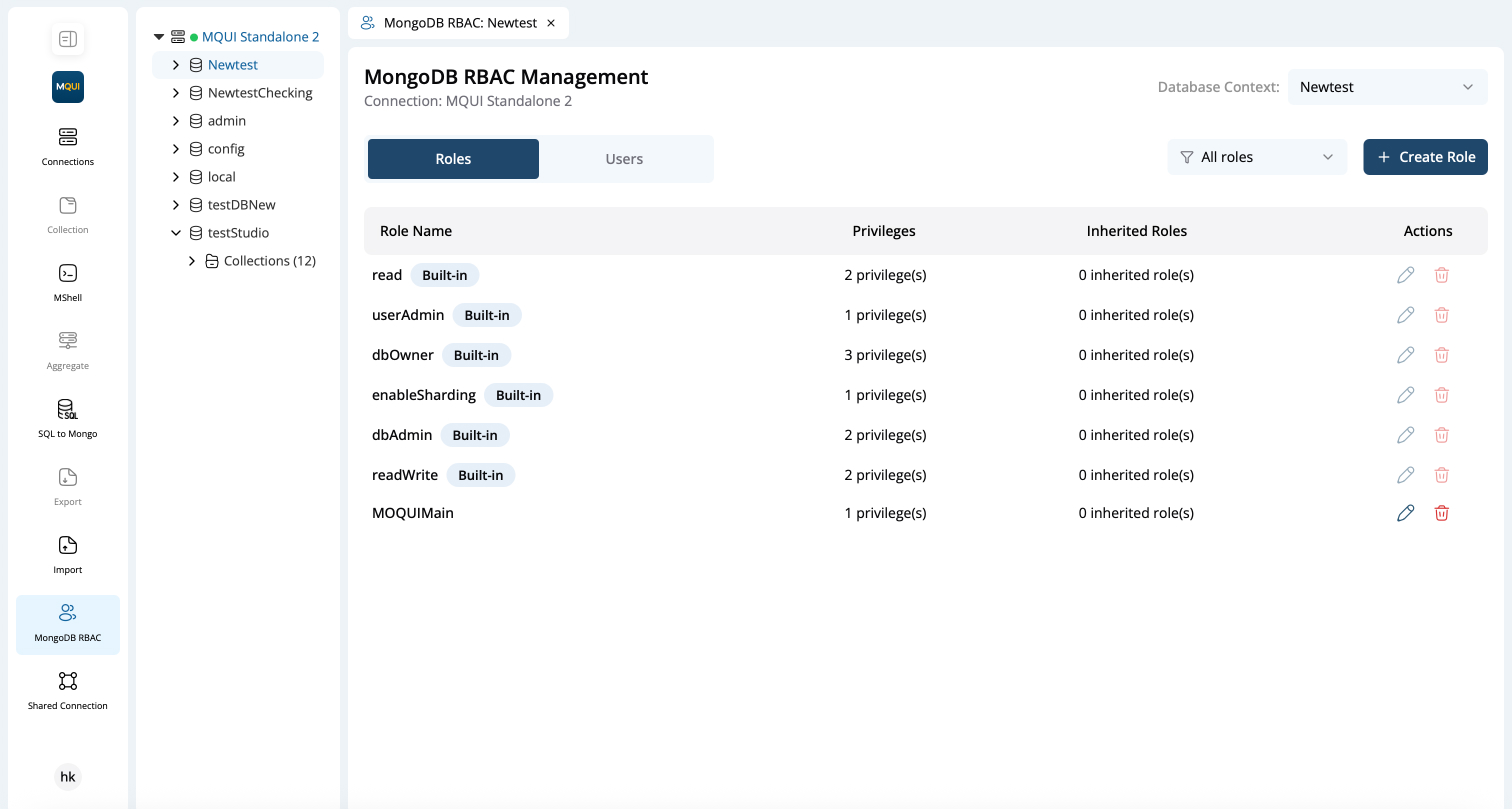
MongoQUI’s MongoDB RBAC Management panel brings database-level access control into the UI, allowing you to create roles, assign them to users, and audit permissions — all without leaving your browser.
Overview
-
Select Database Context
- Use the Database Context dropdown (top-right) to switch between databases in the current connection.
- After selection, the Roles and Users tabs refresh to show data relevant only to that database.
-
Two Management Tabs
- Roles – View, filter, create, edit, or delete roles.
- Users – View, create, edit, or delete users and their role assignments.
Tip: Switching the context to
admin (global roles)lets you manage cluster-wide roles and users in a single place.