Export Summary and Actions
Export Summary and Actions
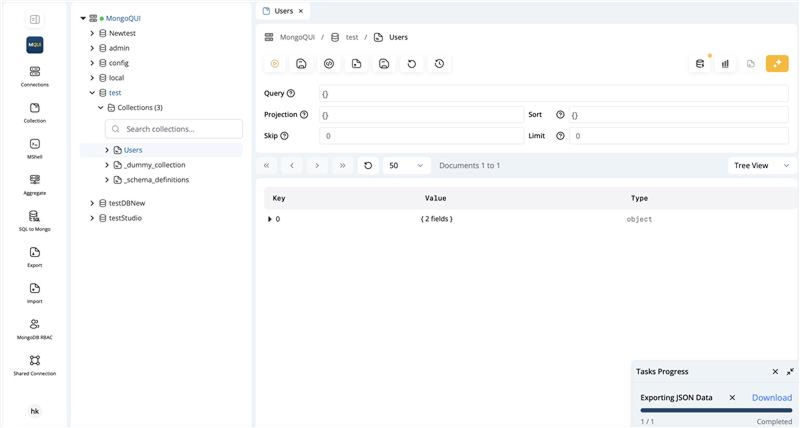
After initiating the export, you will see a task progress dialog showing the status of the export operation.
-
Progress Monitoring:
Track the number of documents exported and see when the export completes. -
Download/Access:
- In the web version: Download the file from the dialog once the export is complete.
- In the desktop app: Access the file in the folder you chose.
Once the export is finished, you can use or share the exported file as needed.