Folders
Overview
The Connection Manager is your central dashboard for all MongoDB connections within your organization. It supports organizing connections into folders, applying custom names, managing connection settings (general, authentication, SSL/TLS, advanced), and sharing or editing existing connections.
Key Features:
- Organize connections using folders
- Add, rename, and delete connections and folders
- Configure connection parameters (general, authentication, SSL/TLS, advanced)
- Test, save, share, and edit connections
Folders: Organize Connections
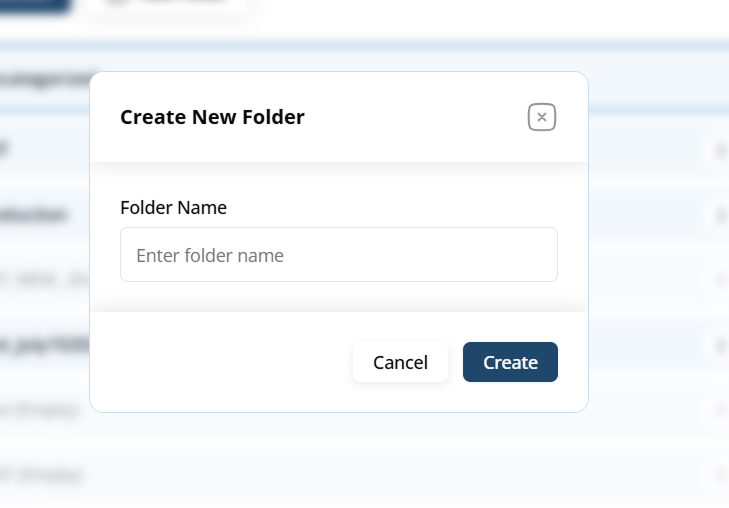
- Create Folder: Click Add Folder to create a new folder. Enter a folder name and click Create.
- Organize Connections: Drag-and-drop or assign connections to specific folders for easy management, especially helpful when dealing with multiple databases (UAT, Production, etc.).
- Rename/Delete Folder: Use the contextual menu (three dots) to rename or delete a folder.